Prepare cleaner product photos for marketplaces without rebuilding the workflow every time.
AI E-commerce Visual Studio helps sellers remove backgrounds, compose product shots on clean scenes, enhance output, clean metadata, and export marketplace or social sizes from a Windows desktop app.
Start free with single-image cleanup and 100 batch removals
Unlock unlimited batch work when catalog volume grows
Export original, marketplace, and social sizes in one desktop app
Core task
Background removal
Batch flow
Remove + replace
Output targets
Marketplace + social
Wappkit Desktop
AI E-commerce Visual Studio
Workspace
Product cleanup
Remove backgrounds, preview results, and keep output focused on listing quality.
Batch composition
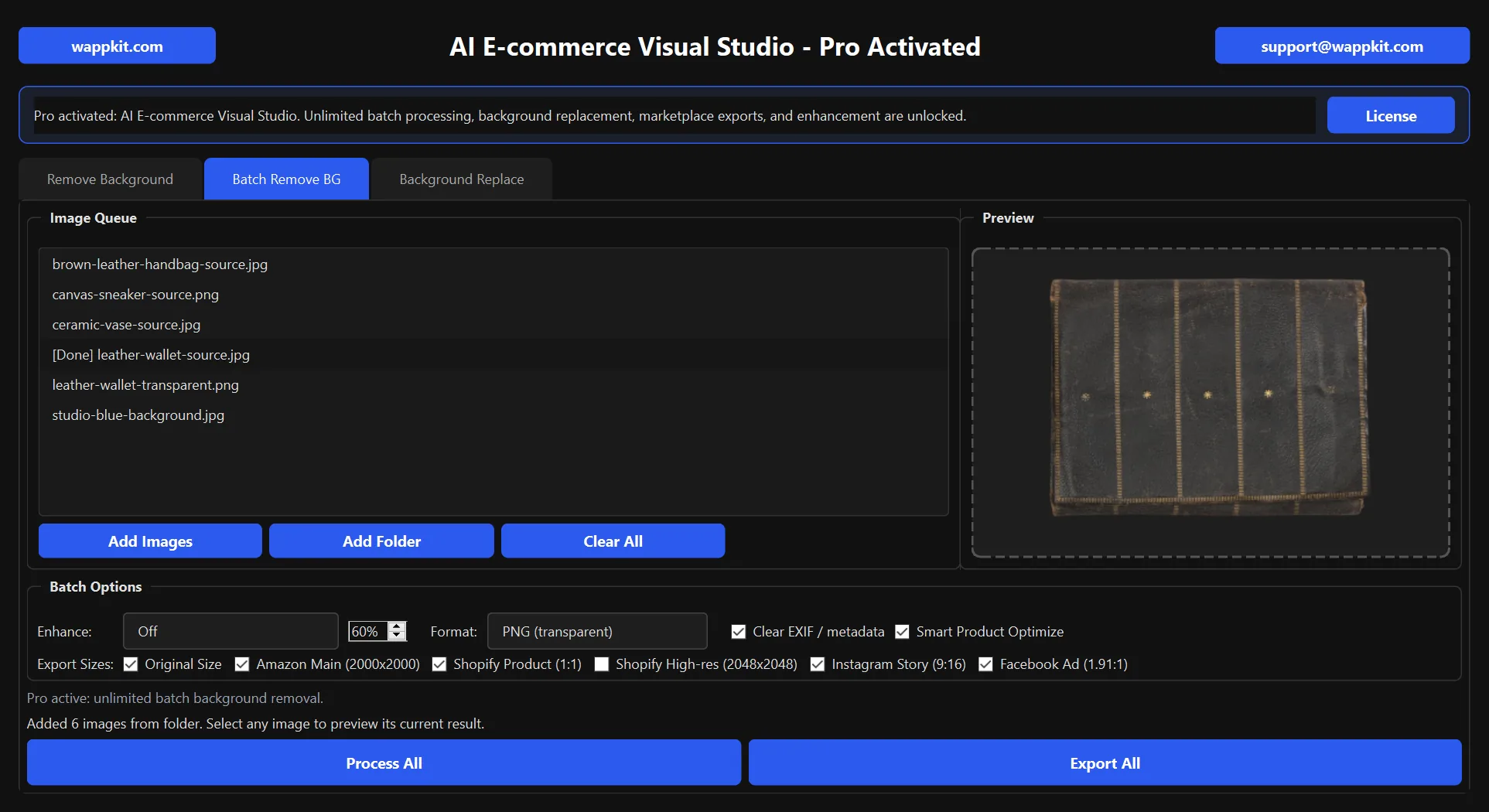
Apply shared background and export settings across product queues.
Product cutout
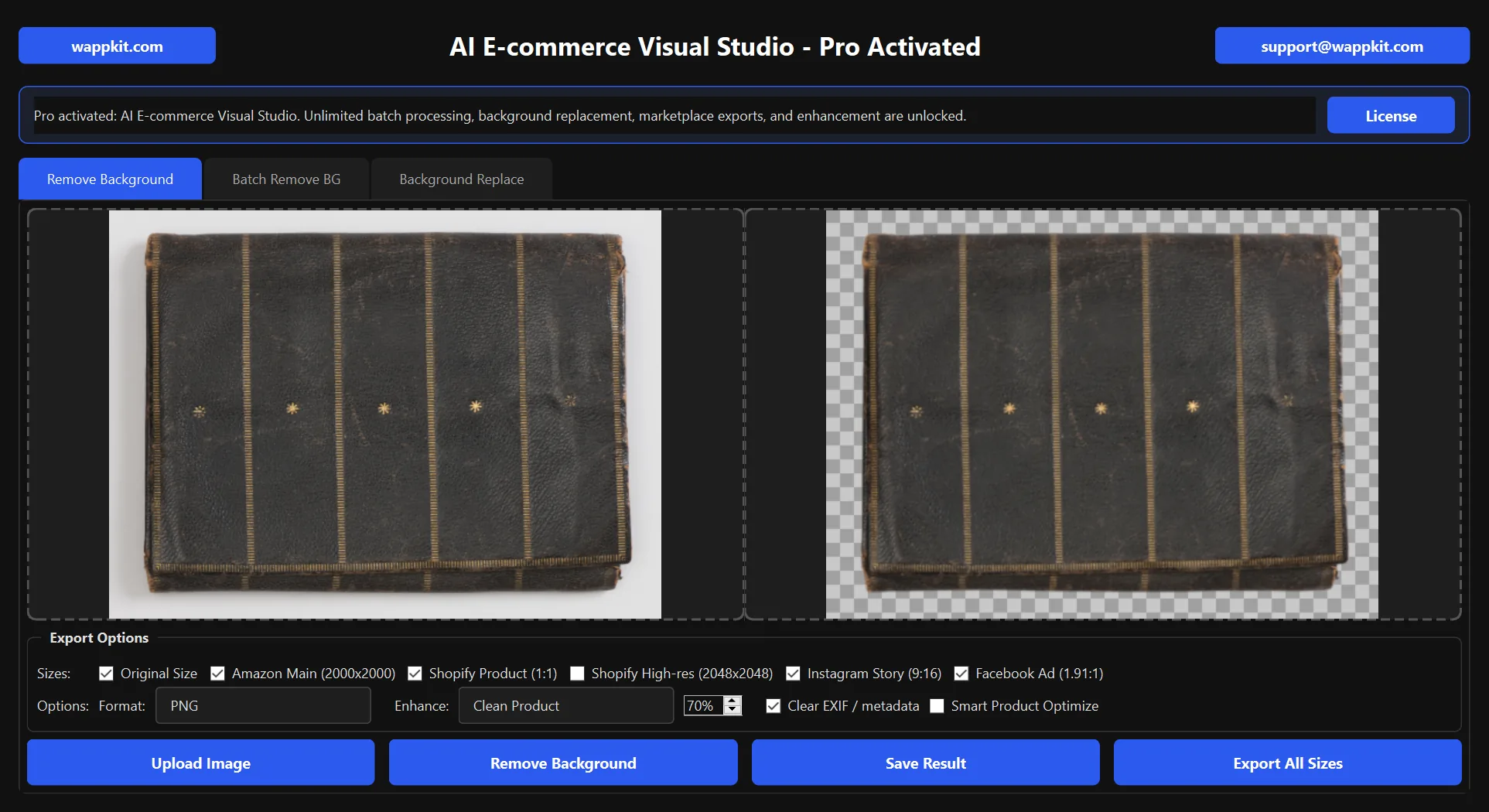
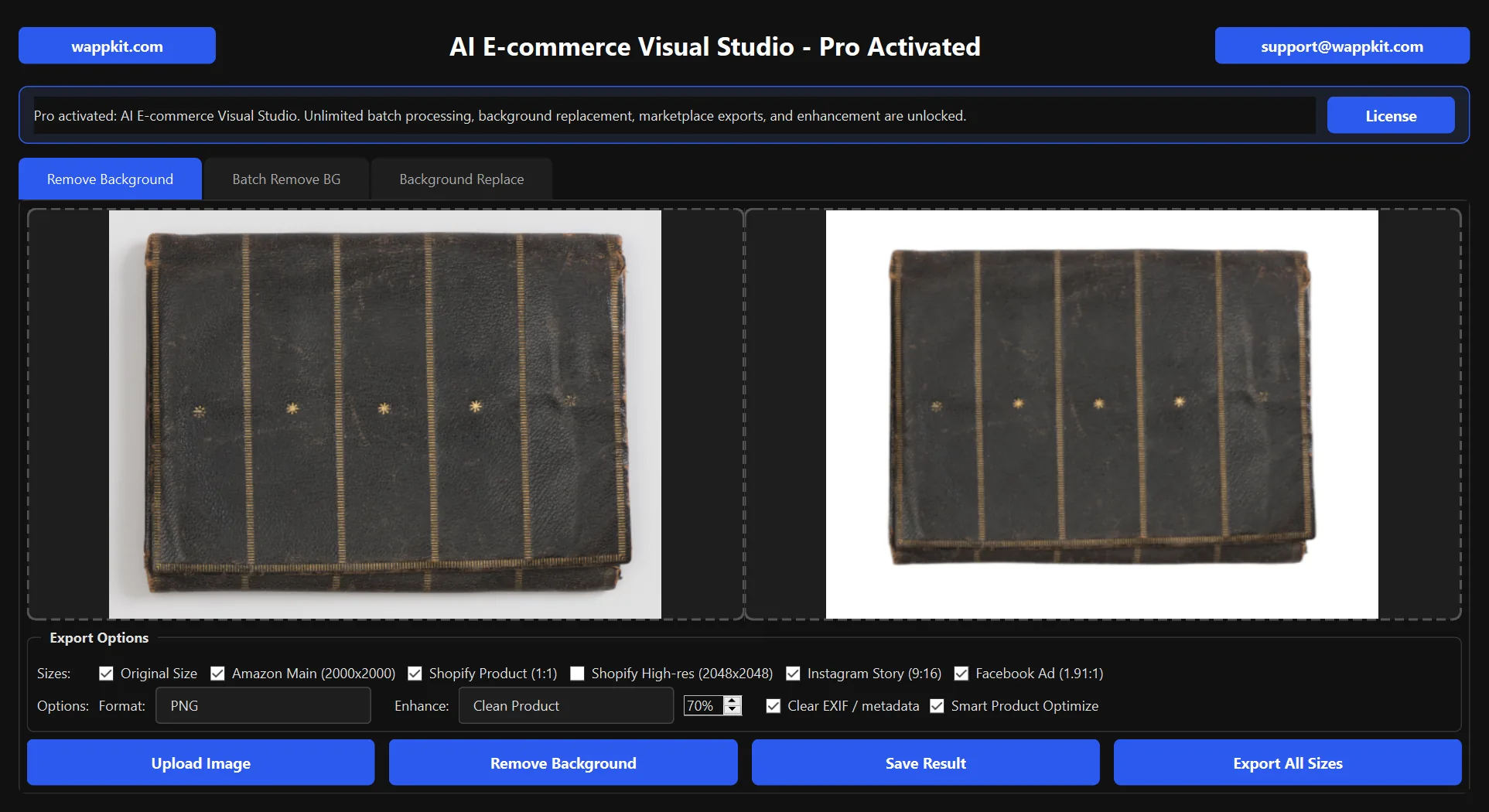
Remove the original background and export transparent PNG or clean listing-ready images.
Background replacement
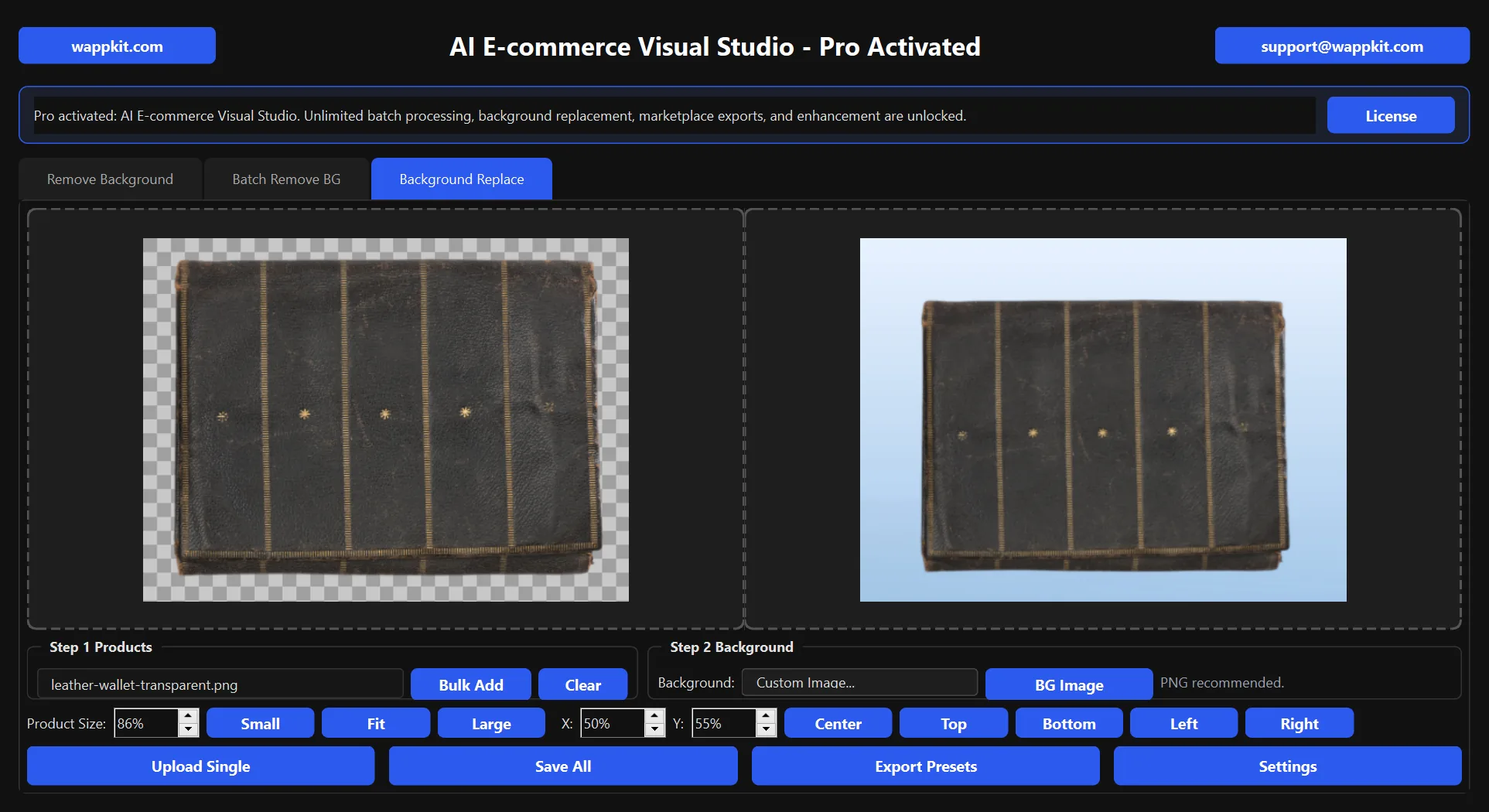
Place one or many product images onto a chosen background with simple position and scale controls.
Export presets
Create original-size, Amazon, Shopify, Instagram, and Facebook output sets without resizing by hand.
License activation happens inside the app
Customers buy on Wappkit, receive a key, and validate it remotely without needing a separate account center.
Product screenshots
A practical desktop workflow for real product photos.
Current 0.1.7 screenshots show background removal, background replacement, batch folder import, and marketplace export options.
Free to paid flow
Start with a usable free entry. Upgrade only when the software earns it.
This structure keeps the tool approachable for new users and makes the paid version feel like a real product upgrade instead of a forced login wall.
Free version
Start with useful product image cleanup
- Single-image background removal and preview
- 100 free batch background removals
- Transparent PNG and current-size result saving
- Clear EXIF / metadata when saving a finished image
- Temporary output folder for cleaner file handling
Paid version
Unlock unlimited batch and marketplace output workflows
- Unlimited batch background removal for product queues
- Batch background replacement with shared scene settings
- Marketplace and social export presets
- Optional image enhancement and Smart Product Optimize
- License retrieval and activation through Wappkit
Best fit for
Included in this product
Pro price
One-time Pro license for the current desktop workflow. Future AI generation credits, if added, can stay separate.
- Free single-image cleanup plus 100 batch background removals
- Pro unlimited batch removal and batch background replacement
- Pro Amazon, Shopify, Instagram, and Facebook export presets
- Pro image enhancement and Smart Product Optimize
- Pro custom background composition with position and scale controls
How it works
A simple purchase and activation loop that feels like real software.
Load product photos
Start with one hero image or bulk-add a batch of catalog photos that need the same cleanup flow.
Remove or replace the background
Use cutout mode for transparent assets, or compose the product onto a chosen background for listing and campaign images.
Export clean deliverables
Save current-size results or export preset sizes for Amazon, Shopify, and social channels with metadata cleanup enabled.
Product assurances
Local-first image workflow
Core image editing runs on the Windows PC. Wappkit is used for license validation, recovery, and update checks rather than routing product photos through a web editor.
Controls that stay practical
Choose a clean color or a background image, then adjust product placement and scale before exporting. The goal is a repeatable listing workflow, not a decorative template editor.
Review before publishing
Export presets speed up common output sizes, but marketplace image policies can change. Review the finished image against the current listing requirements before publishing.
FAQ
What can I do before buying Pro?
Free mode includes single-image background removal, previewing, transparent PNG output, current-size result saving, and 100 batch background removals. Use it on real listing images before deciding whether unlimited batch workflows and Pro tools are worth unlocking.
Does it support batch processing?
Yes. Free mode includes 100 batch background removals. Pro unlocks unlimited batch background removal and batch background replacement for repeated catalog work.
Are my product photos uploaded to a web editor?
Core image processing happens in the desktop app on the Windows PC. Internet access is used for optional license activation, license recovery, and update checks.
Can I use the export presets for Amazon or Shopify?
Yes. The presets create common working sizes for marketplace and social workflows. They do not replace the seller's final review of each platform's current image rules.
Where are results saved?
The app keeps its working results in a local temporary workspace until you choose Save Result or Export All, so source folders do not get mixed with unfinished files by default.
Ready to try it
Start with a real product image and 100 free batch removals.
Download the Windows app, test the free cleanup workflow on real listing photos, and move to Pro only when unlimited batch processing, background replacement, enhancement, or export presets become useful.
Support paths
AI E-commerce Visual Studio uses Wappkit checkout, license retrieval, and in-app activation support.